VolumeVault
Docker Volume Backups With Safer Restores
VolumeVault is a self-hosted Laravel application for managing Docker volume backups and safe restores to storage backends supported by offen/docker-volume-backup.
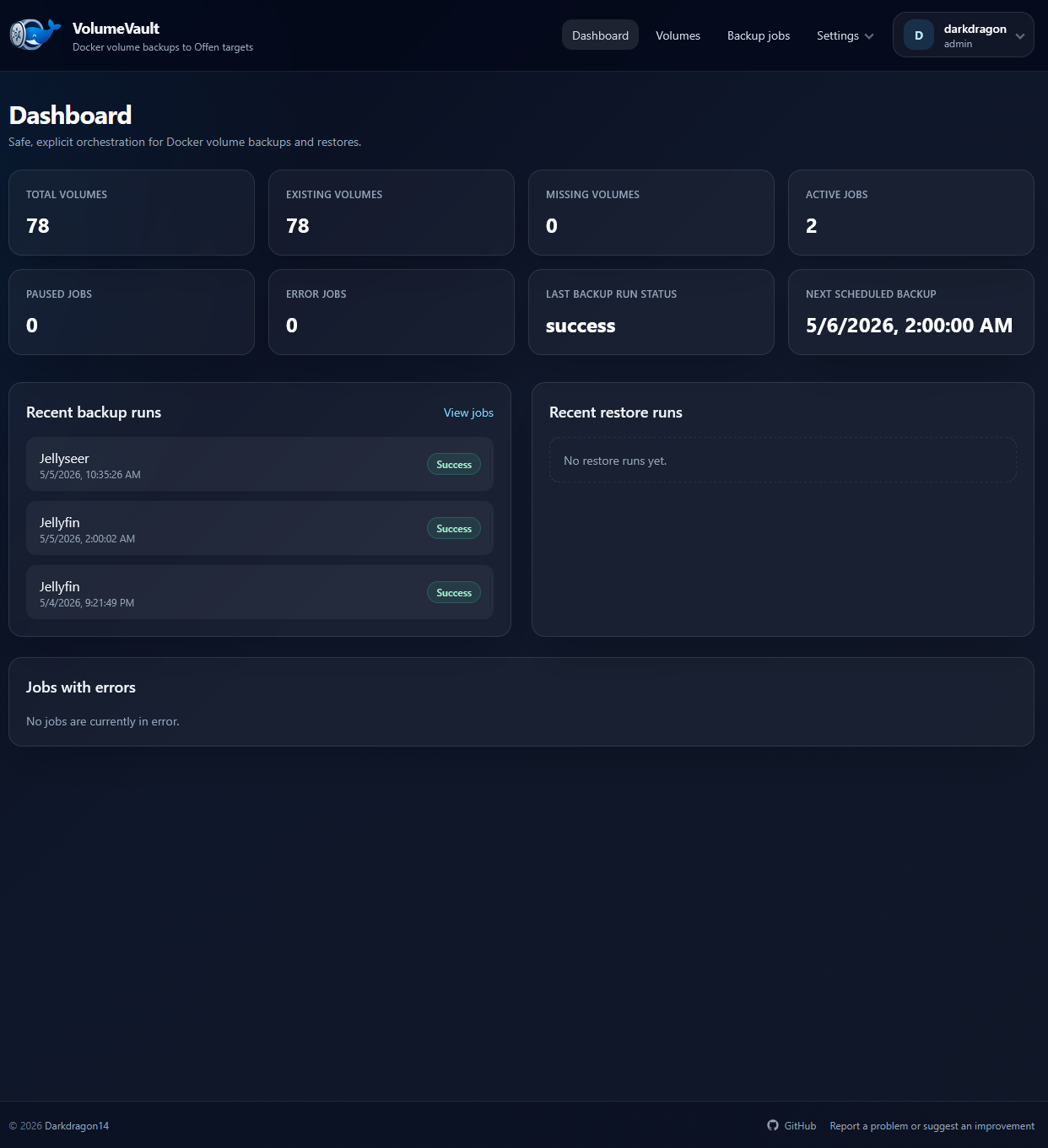
It provides a guided web UI around scheduled backups, encrypted destinations, notifications, restore runs, run history, onboarding, and API-driven automation while keeping operational risks explicit.
Highlights
- Discover Docker volumes through the Docker CLI and keep missing volumes visible only while backup jobs still reference them.
- Configure AWS S3, Cloudflare R2, custom S3-compatible storage, WebDAV, SSH/SFTP, Azure Blob Storage, Dropbox, Google Drive, and local filesystem destinations.
- Store destination credentials and notification URLs encrypted at rest with Laravel
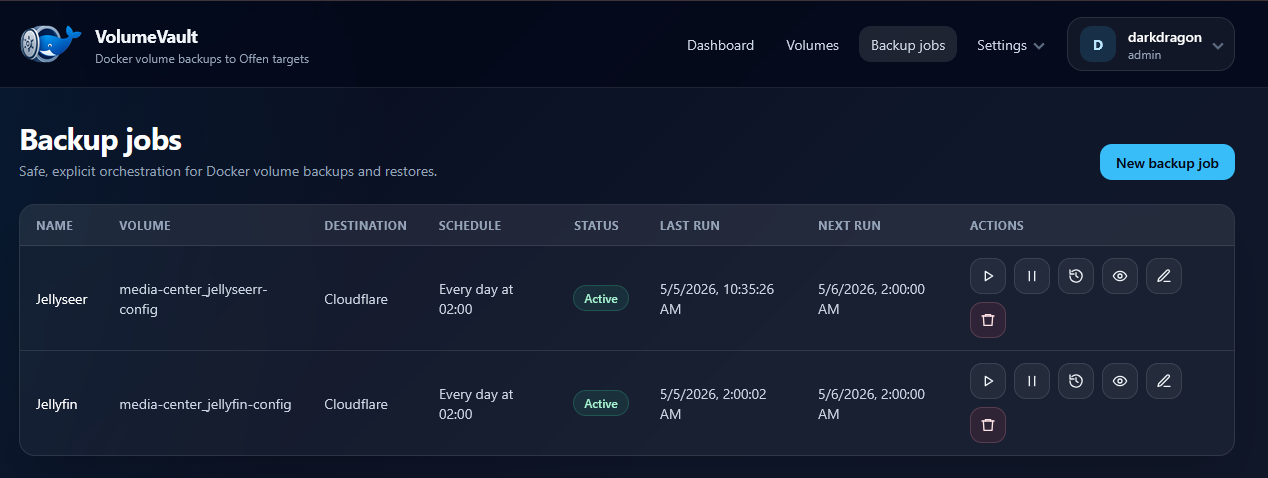
Crypt. - Create hourly, daily, weekly, or cron-based backup schedules.
- Run manual backups, pause or resume jobs, inspect logs, and view backup and restore history.
- Restore selected archives into new Docker volumes by default.
- Configure Shoutrrr notification channels globally or per backup job.
- Create API tokens for integrations, automation scripts, dashboards, and AI agents.
- Export encrypted installation saves and import them during onboarding.
Quick Start
Generate an application key first:
1
docker run --rm ghcr.io/darkdragon14/volumevault:latest php artisan key:generate --show
Paste the generated key into the recommended Compose file from the installation guide, then start VolumeVault:
1
docker compose up -d
Open http://localhost:8080, then create the first administrator account from onboarding or import an existing installation save.
Security Warning
Mounting /var/run/docker.sock gives VolumeVault high privileges on the Docker host. Only run it in a trusted environment, and treat access to the web UI and write-capable API tokens like access to the Docker host.
Documentation
- Installation: Docker Compose setup, environment variables,
APP_KEY, onboarding, and users. - Destinations: supported storage providers and destination behavior.
- Backup & Restore: jobs, scheduling, backup engine details, restore behavior, and notifications.
- Security: Docker socket risk, encrypted secrets, installation saves, password recovery, and safety notes.
- API: Sanctum tokens, API abilities, and useful endpoints.
- Development & Roadmap: local development, tests, limitations, and roadmap.
Credits
VolumeVault relies on offen/docker-volume-backup for the actual Docker volume backup engine and destination support.
Huge thanks to Offen and the maintainers of offen/docker-volume-backup for their work. VolumeVault exists as an orchestration and management UI around that project, not as a replacement for it.